List Item Dialog Morph
A tappable list item that opens into a focused detail dialog, with a side-by-side comparison between a standard overlay pattern and a shared-layout morph.
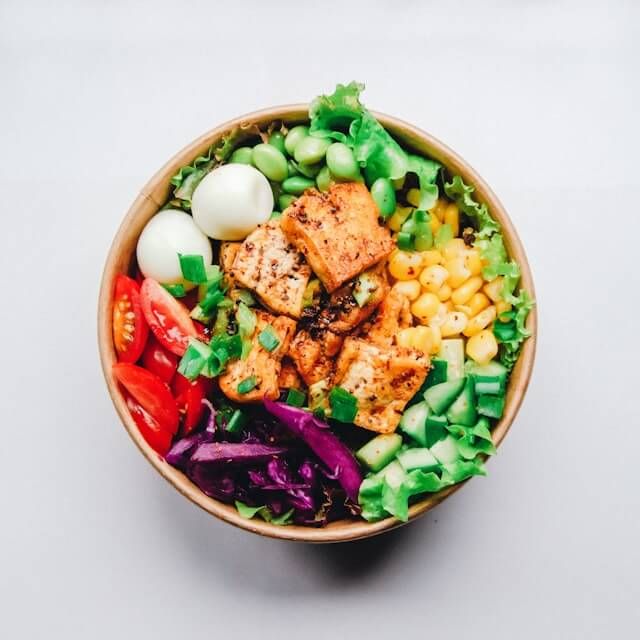
The Super Bowl of Salad
A super bowl of salad with a variety of fresh ingredients, vibrant colors, and a delicious dressing that ties everything together.
Gluten FreeVegetarianHigh Fiber
The Veggie Pizza
A veggie pizza loaded with a colorful array of fresh vegetables, a flavorful tomato sauce, and a generous layer of melted cheese on a crispy crust.
VegetarianContains DairyBaked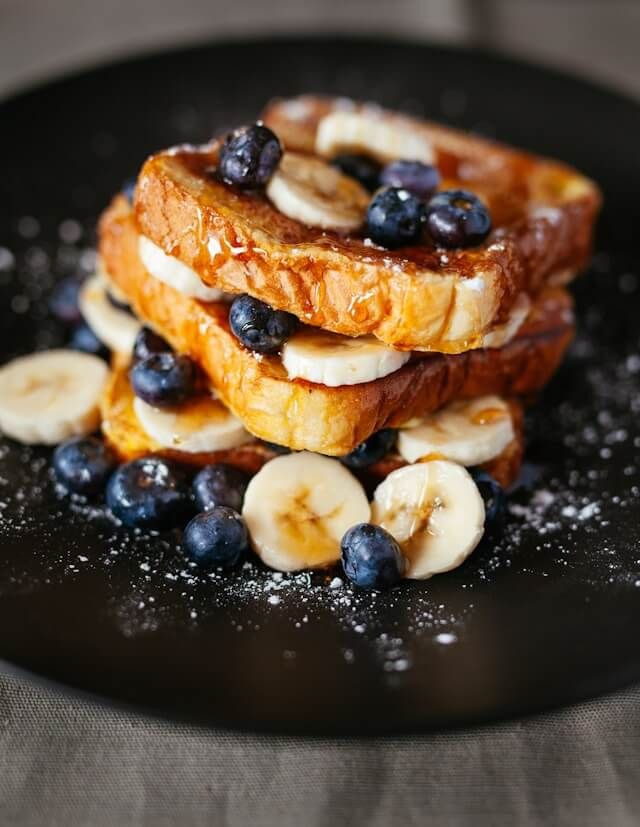
Blueberry French Toast
A delicious blueberry French toast topped with fresh berries and a drizzle of maple syrup, perfect for a sweet breakfast treat.
SweetContains GlutenBreakfast
The Salmon
A perfectly cooked salmon fillet with a crispy skin, served with a side of fresh vegetables and a tangy lemon sauce.
High ProteinGluten FreePescatarian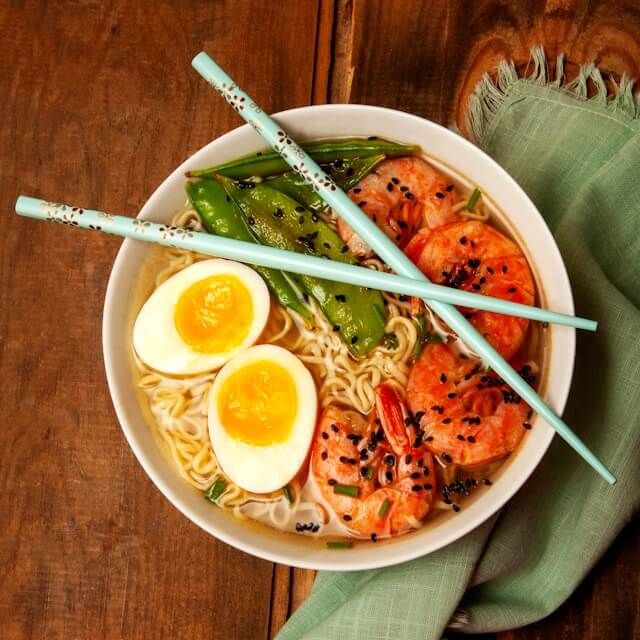
The Ramen Bowl
A steaming bowl of ramen with rich broth, tender noodles, and a variety of toppings, perfect for a comforting meal.
Contains GlutenComfort FoodUmami
Toggle between basic and morphing modes to compare the transition styles.
Note
This pattern helps detail views feel anchored to the content they came from. Instead of opening a dialog that reads like a separate layer, the selected item carries its position, image, and visual context forward into the expanded state. In apps with dense lists like menus, marketplaces, or media libraries, that continuity makes exploration feel lighter, more spatial, and easier to follow.